Business management software
One software to run your whole business.
Sales, fees, stock, bookings, staff and accounts in one cloud system. Every entry posts to your books on its own, and you see it all from your phone.
- Set up for you
- Phone, tablet and PC
- Online or offline
- Support from a real person
Prefer to talk? Call +92 304 0090495, Mon to Sat, 9:00 to 18:00.
Today's books
Sample data- 9:14 amRetailSale · Invoice 1042Posted to Sales · CashRs 4,850
- 9:41 amSchoolFee received · Class 6Posted to Fee income · CashRs 6,500
- 10:06 amGym & spaMembership renewal · 3 monthsPosted to Membership income · CashRs 12,000
- 10:22 amPharmacySale · 3 itemsPosted to Sales · CashRs 1,260
- Your data kept apartEach business has its own walled space
- Phone, tablet and PCThe same screens on every device
- Online or offlineHosted for you, or on your own computer
- Set up for youYour items, fees and staff loaded in
- Support Mon to SatA person answers on WhatsApp
Most businesses run on tools that never agree
A register for sales, a notebook for dues, a spreadsheet for stock, WhatsApp for staff and an accountant at month end. SOS replaces all of them with one software.
The total never matches
Cash, bank and books tell three stories, and you find out at month end.
Mistakes surface weeks later
A wrong discount or an edited record, and nobody can say who did it or when.
You must be there to know
Today's takings, who is absent, what is owed. You only get answers by phoning someone.
Explore by function
Everything your business runs on, in one software
Switch on what you need. Every module writes to the same books, the same customers and the same stock.
Sales and point of sale
Fast checkout at the counter, receipts, returns and cash shifts.
Fees and billing
Invoices, fee challans, instalments, late fees and receipts.
Inventory and purchases
Stock by branch, suppliers and purchases, with a full history.
Accounts and books
Every sale, fee and expense posts to the ledger on its own.
Customers and credit
Customer accounts, khata balances and what each one owes.
Bookings and calendar
Halls, classes and appointments, never booked twice.
HR and attendance
Staff records, attendance and leave in one place.
Payroll
Monthly salaries and payslips, posted to the books.
WhatsApp and SMS
Reminders, receipts and notices sent automatically.
Reports and dashboards
Live figures for the day, a branch or the whole business.
Branches
Run several places. The owner sees them side by side.
Roles and rights
Each person sees only what you allow, and every change is logged.
Your staff see only their own part
Rights are set per role and per person, and checked by the server. Pick a role to see an example of what it can open.
Owner
Example rights. Yours are set per person.Why SOS
Built to be the only software you need
Most owners start with one problem, usually money they cannot account for. SOS fixes that first and grows with the business.
Book a free demo- 01
Every entry posts itself
A sale, a fee or a salary goes into the books the moment it is saved. Nothing is typed twice, so the totals always match.
- 02
Start small, add as you grow
Switch on the modules and branches you need today and add more later, on the same data.
- 03
Made for Pakistan
Rupees, CNIC, WhatsApp numbers, fee challans and local tax reporting are built in, not bolted on.
- 04
Set up and supported by people
We load your data, show your team around and answer on WhatsApp when you need us.
Getting started
Up and running the same week
No installation project and no training course.
- 1
Book a demo
We show you SOS on a call or in person, with your kind of business in it.
- 2
We set it up
Your items, fees, staff and branches are loaded in, and every person gets a login for their own screens.
- 3
You run the business
Dashboards, reports and reminders run on their own. A person answers on WhatsApp when you need help.
See it at work
The same software at the counter, the front desk and the hall. The photographs are illustrative.
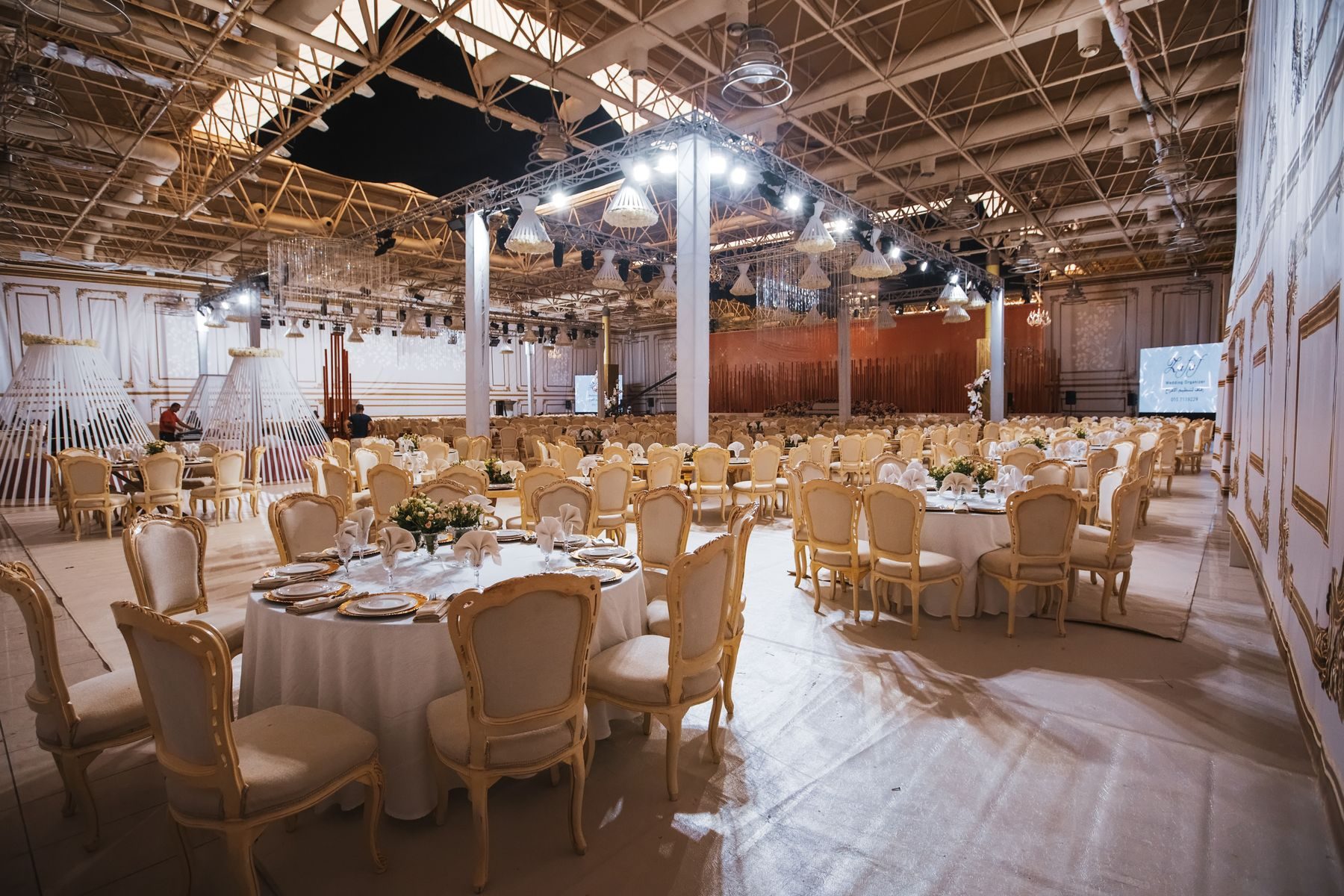
A booking on the calendar, with its contract and floor plan attached.

One batch, with its attendance and fees on the same screen.

A renewal posted to the books the moment the member pays.

Stock with the earliest expiry offered first at the counter.

Class lists and monthly fees for the whole academy.

A counter sale posted straight into the day’s books.

A fee challan printed for a whole class, ready to hand out.
Ready for your kind of business
The same software comes set up with the screens, words and reports your business uses.
Do you set it up for us?
Can it run more than one branch?
Does it need the internet?
Can customers pay online?
Do WhatsApp and SMS notices work?
Is it available in Urdu?
What does it cost?
See SOS running your business
Book a free demo. We will show it with your items, your fees and your staff, and answer every question.